Upstash does not require a credit card for Free databases. However, for paid databases, you need to add at least one payment method. To add a payment method, follow these steps:Documentation Index
Fetch the complete documentation index at: https://upstash.com/docs/llms.txt
Use this file to discover all available pages before exploring further.
- Click on your profile at the top right.
- Select
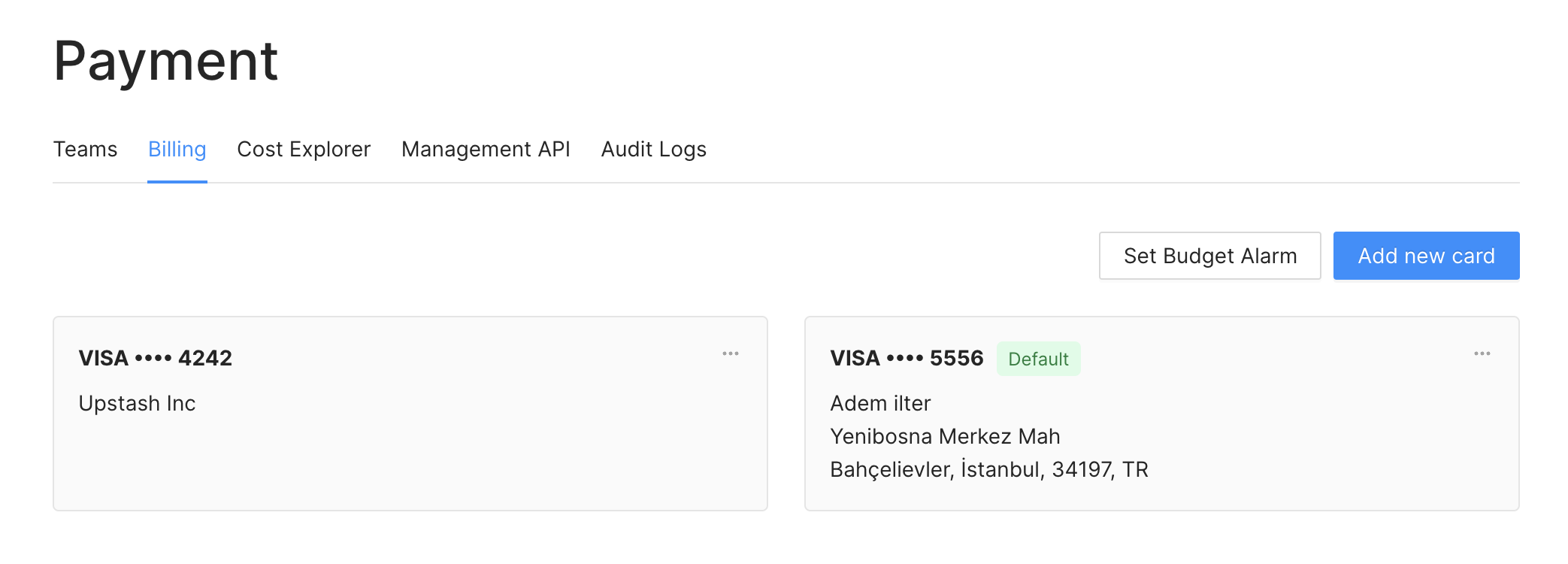
Accountfrom the dropdown menu. - Navigate to the
Billingtab. - On the screen, click the
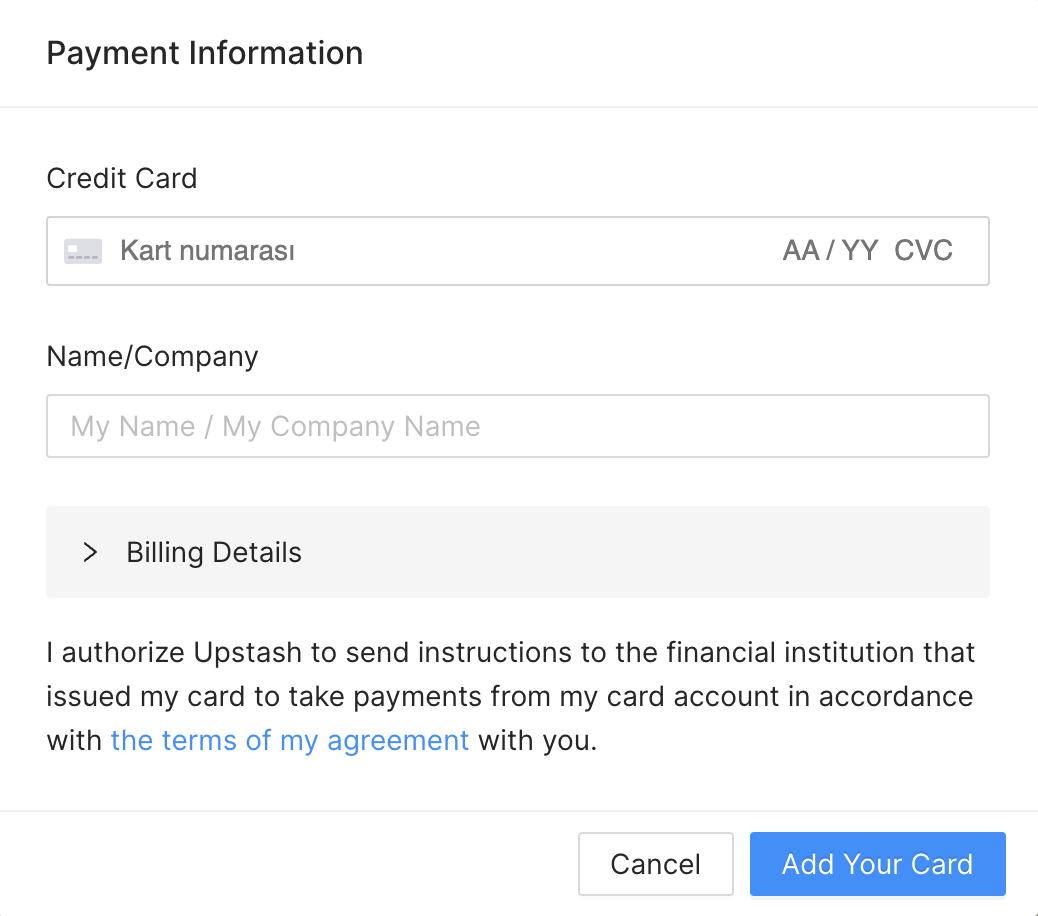
Add Your Cardbutton. - Enter your name and credit card information in the following form: